# Netflix 'n' With Html And Css
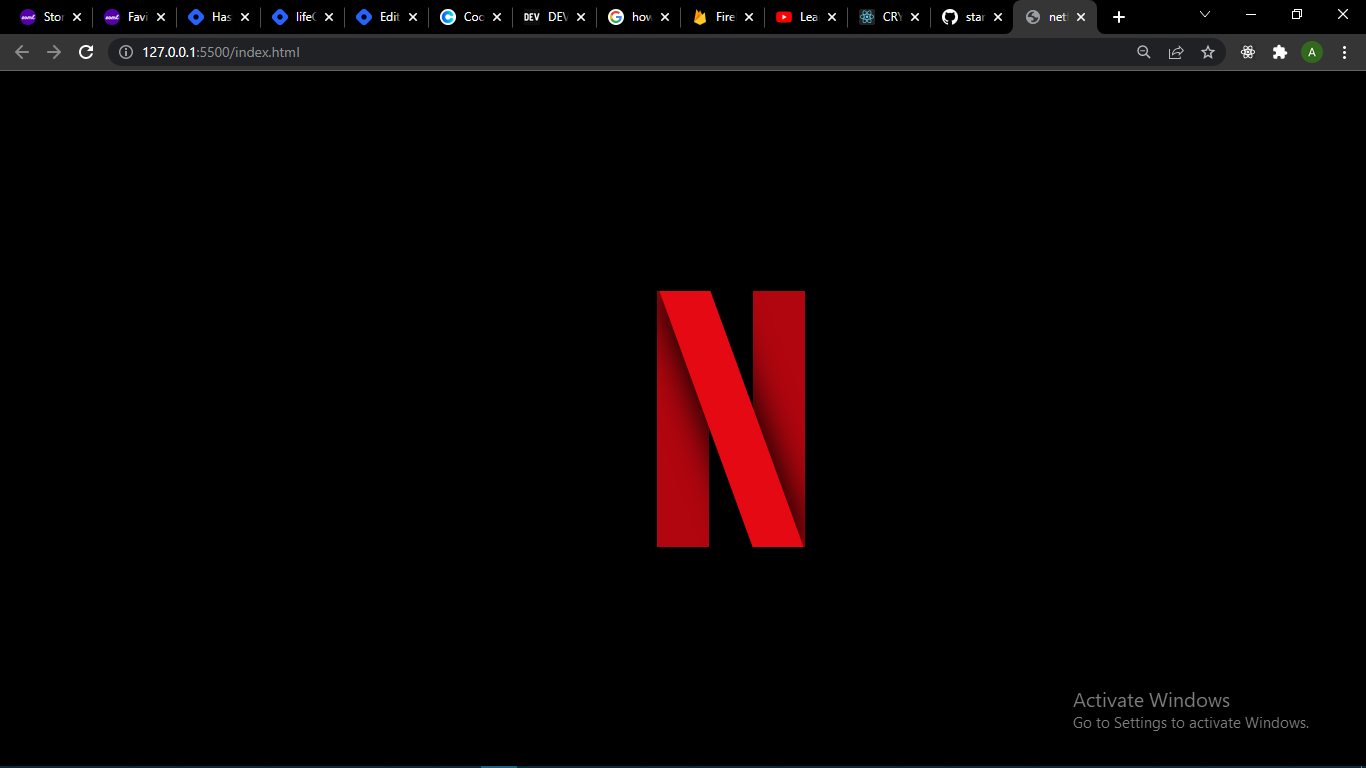
In this article, i will be talking about how to create the Netflix "N" logo above. Netflix is a streaming service that allows you stream or watch movies, tv-shows, animations, documentaries and a lot more on your device, as long as it is connected to the internet. [Visit Website](https://www.netflix.com/).
The following steps will help guide you;
**Step one**
- Create a directory or folder on your desktop and call it whatever you like. For this tutorial we'll call the folder
```/netflix
``` .
- Open the folder with your editor for writing code , in this tutorial we will be using visual studio code.
- In your editor,open the folder and create an
```index.html
``` file and a
```style.css
``` file.
**Step two**
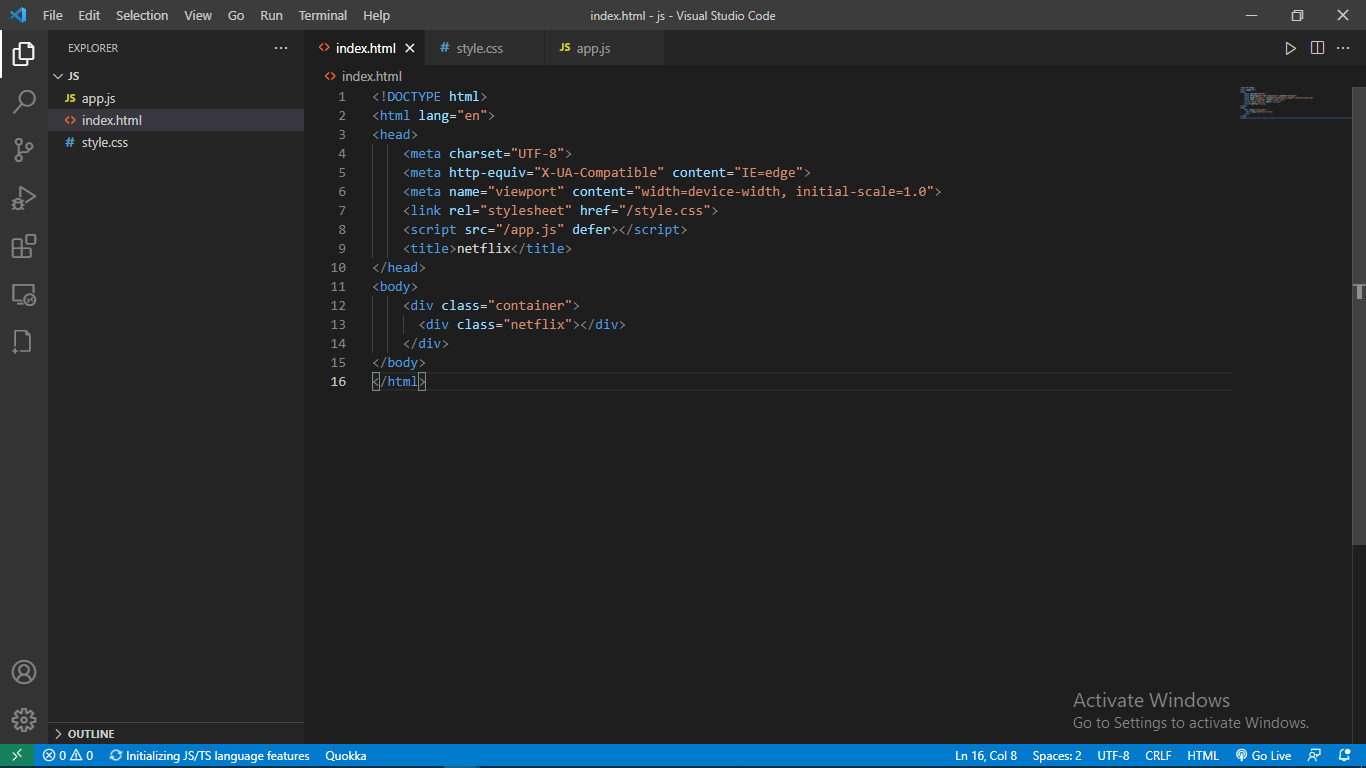
-In your ```index.html
``` , file on in your vscode editor or any editor, create a *div* with class of *container* inside the *body *tag.
- Inside the container div , create another div with the class of *netflix*.
**Step three**
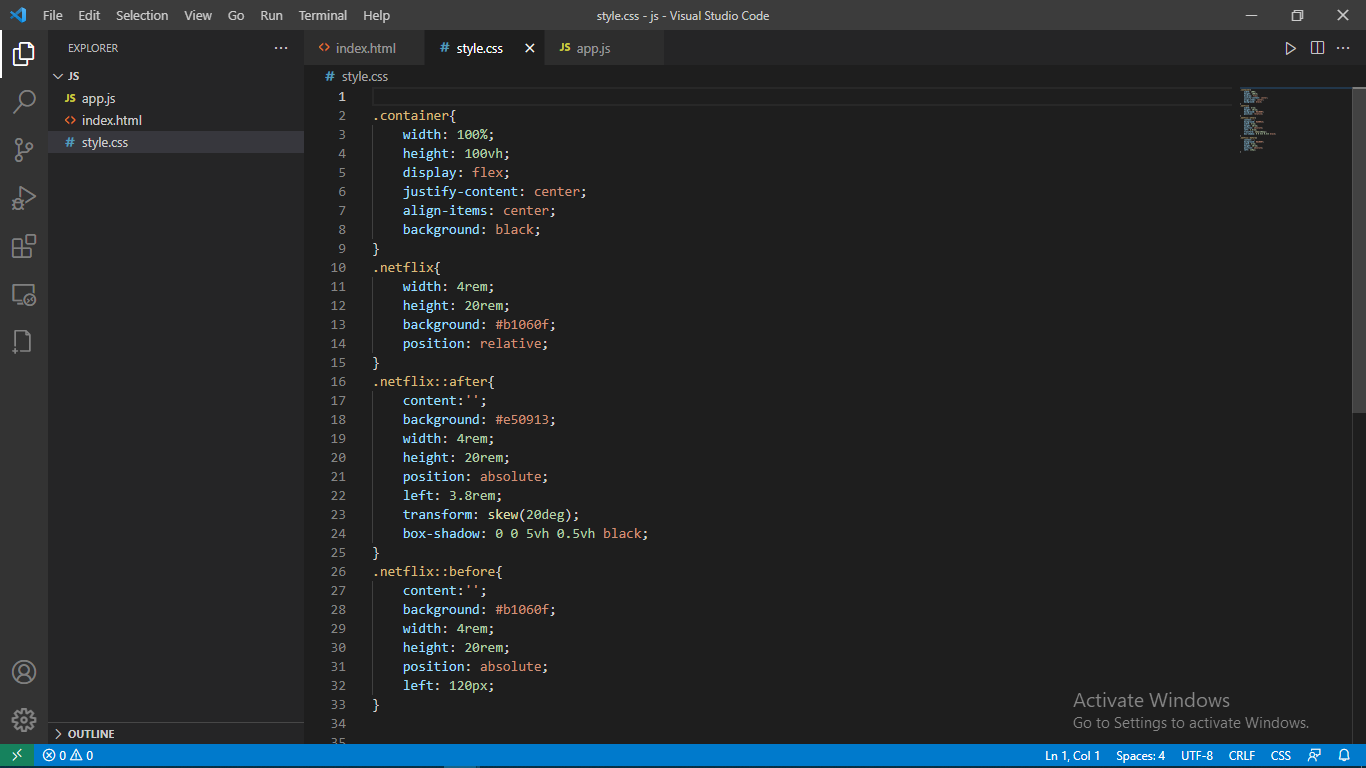
- Write the following code in your css file.
```.container{
width: 100%;
height: 100vh;
display: flex;
justify-content: center;
align-items: center;
background: black;
}
.netflix{
width: 4rem;
height: 20rem;
background: #b1060f;
position: relative;
}
.netflix::after{
content:'';
background: #e50913;
width: 4rem;
height: 20rem;
position: absolute;
left: 3.8rem;
transform: skew(20deg);
box-shadow: 0 0 5vh 0.5vh black;
}
.netflix::before{
content:'';
background: #b1060f;
width: 4rem;
height: 20rem;
position: absolute;
left: 120px;
}
```
The css
```::before and ::after
``` selectors are used to add extra contents before and after the contents of the selected element.
**Html**
```
```
Make sure your css file is linked to your html file using the link tag. [How to link css to html](https://www.w3schools.com/css/css_howto.asp). After checking that your css file is linked, open the file with whichever browser you are using. You can download the vscode live server extension, it acts as a server for your work.
**Images of my code in the editor**